


.svg)


.svg)
.svg)
.svg)
.svg)
%20(1).png)

Most real estate CRMs come bundled with tools you don’t want and features you never asked for. Because the way teams work and the way software gets built are often two different worlds.
In the real world, teams move fast. Lead sources change. Marketing tactics evolve. If your CRM doesn’t adapt, your agents won’t use it.
In this article, we’ll unpack why using an all-in-one platform is the biggest mistake you can make when choosing a CRM and share tips to help you find a system that works the way you do.
The biggest CRM mistake? Getting locked into a system you don’t use
On paper, all‑in‑one CRMs look convenient. In practice, they lock you into workflows that don’t fit your business and integrations that make you work the vendor’s way instead of your own.
Here’s what usually happens when you get locked in:
- Agents default to side systems; data scatters and speed to lead slips
- “Good enough” integrations block best‑in‑class tools
- Response times drag with data in a million different places
- Leaders have zero visibility into the agent activities that lead to closed deals
As new lead sources and strategies emerge, your tech stack can’t keep up. You’re forced to rebuild workflows to fit the platform, instead of your business.
But if any of this sounds familiar, don’t worry. Once you know which features to look for—and why having the ability to choose is so important—you can avoid falling into common traps.
From all-in-one lock-in to scalable, open workflows
Becky Garcia started The Garcia Group as a way to take admin off agents’ plates. But as agents sought more and more support, the team grew. After a decade on the same system, she knew she needed a better lead platform for client relationships. Change isn’t easy, but moving to Follow Up Boss unlocked her ability to scale.
“We were on a system for over 10 years. I did not want to switch. But once we did, it really made a difference. We were able to automate and the integrations changed everything.”
{{cta-yellow}}
Choose workflows and automations that evolve
Your CRM is the central command center of your business. It needs to play nicely with every other tool you use. So, let’s talk nuts-and-bolts. Which features do you need right out of the box?
Here are the core features to expect:
- Centralize all lead sources in one place
- Connect your IDX, website, and marketing automation without custom builds
- Lead distribution that matches the right lead to the right agent, every time
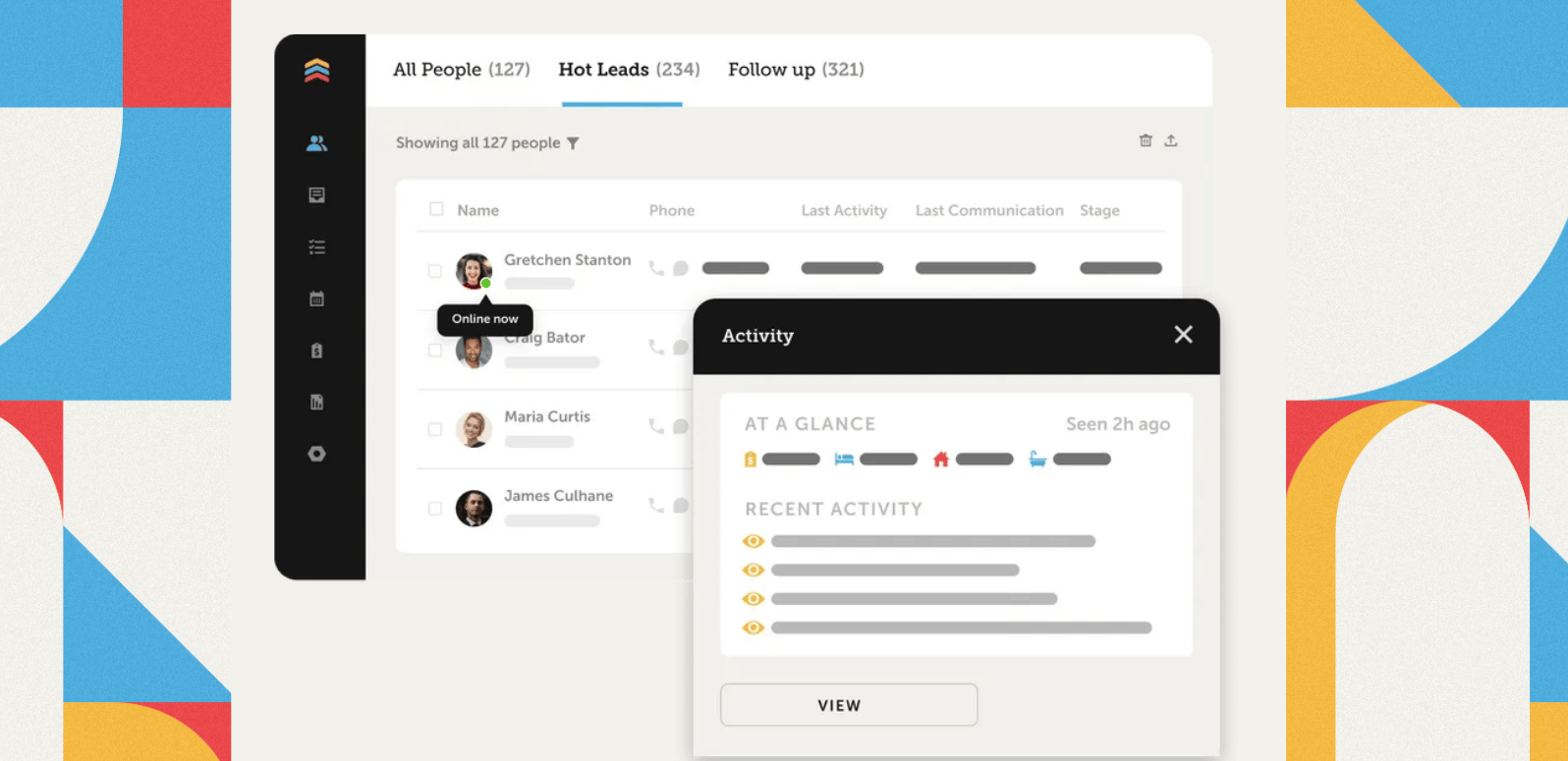
- Keep calls, texts, emails, and notes on one clean timeline per contact
- Customizable automations and AI for personalization
- Surface hot opportunities with live priority lists and tagging
- Use templates to keep outreach consistent
- Track speed to lead, contact, appointments, conversions and more
- Coaching resources like call recordings, activity tracking, and pipeline reviews
Vendors that claim to be the jack of all trades are usually master of none. The right platform gives you the unshakeable core every team needs, plus the freedom to plug in additional tools, workflows and custom automations as you grow.
Must-have integrations for real estate agents and teams
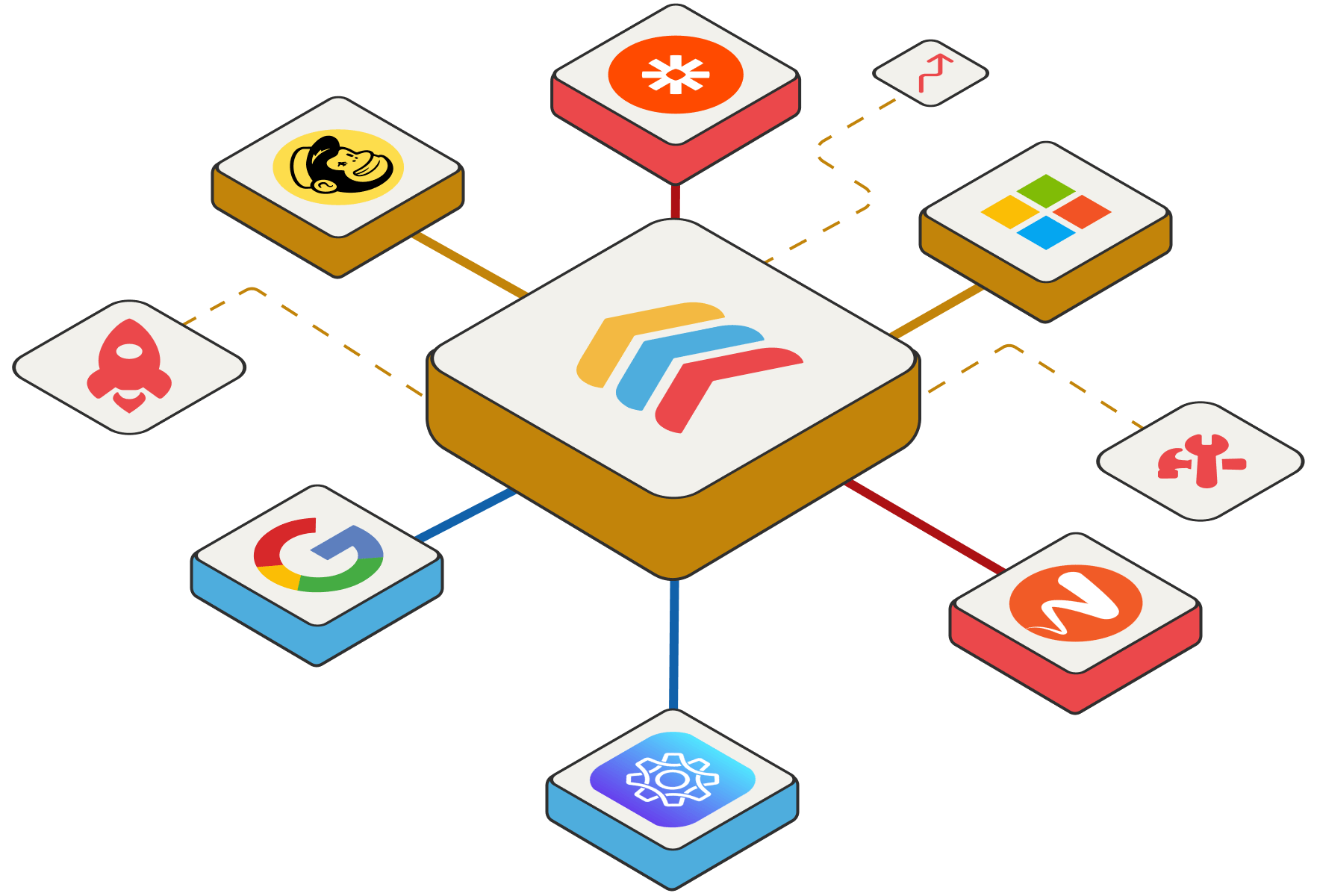
Your CRM shouldn’t try to be everything to every agent. With deep two‑way sync, you work from one source of truth—no context‑switching needed. Every touchpoint is timely, relevant, and logged in a single timeline.
Here are the four key integration categories top teams rely on.
1. Calling & texting
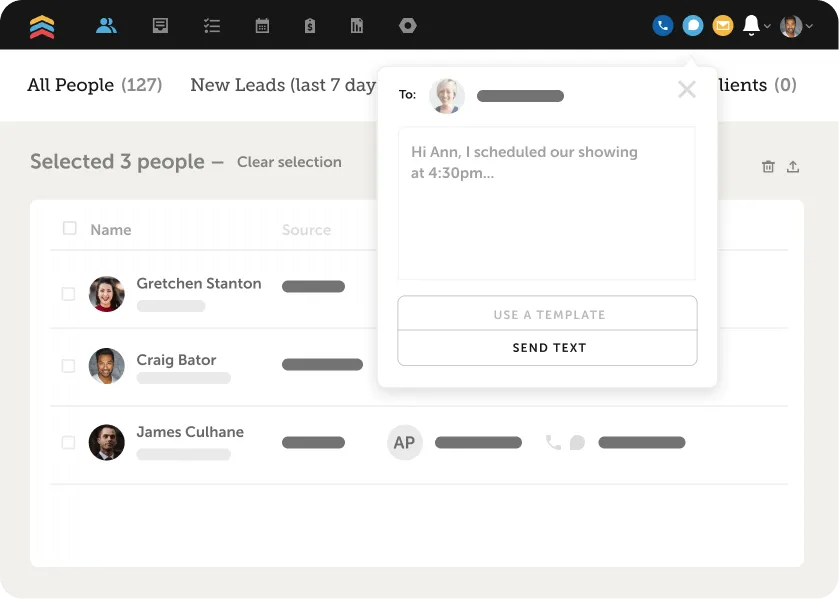
The most powerful real estate CRMs combine built-in calling, texting and AI for follow up that’s faster and more relevant. By integrating your CRM with platforms like Ylopo, CallAction, and Texting Betty, you can spot patterns that improve conversions and coach agents on what actually works.
With features like FUB Phone, you get integrated calling, a dedicated phone number, and AI Summaries and Smart Messages to automatically draft and recap follow‑ups based on real conversations. No tab hopping, no guesswork.

2. Personalization at scale
Your database is your most valuable asset. Integrations like Mailchimp and AM Cards keep you present with newsletters, targeted drips and mailers. The key is intent‑based triggers (not just timers) so outreach matches behavior. Start with one channel, measure lift on contact and appointment rates, then layer in more as needed.
3. Content that sparks conversations
Buyers and sellers do their homework. Integrate your CRM with lead insight and content tools like Homebot, HouseWhisper and RealScout to keep up. All lead activity syncs back to your CRM so you can spot the handraisers and start the right conversations.
4. AI & automations for the repetitive stuff
Offload low‑impact, high‑repetition tasks first. Tools like Fello, Mod Ai Automation, and Birdeye leverage your CRM data to tee up the next best action and help keep relationships warm.
Whatever tools you choose, your CRM should stay in its lane as the core backbone of the business. Use it to get your core workflows dialed-in, then layer in tools as your needs evolve.
%2520(1).png)
A realistic real estate CRM migration plan (3–6 months)
Change is inevitable. The good news is, chaos isn’t. If you find yourself locked into an all-in-one system, resist the urge to rip and replace. Instead, phase your new platform in gradually. This sample timeline will help get the process started.
Phase 0: Build the vision (2–3 weeks)
- Map your lead sources and systems: List every source (portals, PPC, social, referrals, etc.) where it lands today and how it’s routed.
- Spot redundancies and gaps: Identify overlaps, duplicate data and places leads fall through the cracks.
- Define outcomes: Speed to lead target, contact rate, appointment set rate, and conversion by source.
Phase 1: Design your workflows (1–2 weeks)
- Intake and routing: Decide how leads flow from source to agent (round‑robin, first to claim, price point or geography).
- Follow up and automation: Document top-performing sequences for new leads and nurture.
- Tracking and reporting: Define how you’ll measure performance (by agent, by source, to closed deal).
Phase 2: Migrate top lead sources (3–4 weeks)
- Start with volume sources: Move portals and PPC first so agents feel the impact quickly.
- Set up integrations: Connect website and marketing tools via native integrations and flexible API.
- Train and go live: Create short agent trainings focused on what changes today. Keep everything else the same for now.
Phase 3: Expand and optimize (4–6 weeks)
- Bring over remaining sources: Social leads, referral intake, manual imports.
- Tighten data hygiene: Deduplicate, standardize fields, and set rules for optimal lead flow.
- Coach to the metrics: Review response times, contact rates and appointments weekly.
No more hoping the process gets followed. Create an operating system built on your best practices, right in Follow Up Boss. Get started.
Deeper CRM vetting checklist (questions + red flags)
Don’t buy the pitch—test it. Ask these due‑diligence questions before you sign:
- Will agents be faster with this than with their current habits? Show me how calls, texts and emails live in one place.
- Can we respond instantly to new leads and track speed to lead? Show me routing rules by source/type and response time reporting.
- Does it keep calls, texts and emails together for a complete history? Show me a full timeline on a real contact.
- Can we connect our stack via a flexible API and native integrations? Show me integrations with our website, dialer, marketing and back office.
- Do we get reporting by agent and source through closed deals? Show me conversion reporting that follows leads to closed transactions.
- What migration and guided onboarding support do we get? Show me a plan with timelines, training and data hygiene steps.
- How will we measure usage and coach adoption? Show me activity tracking, leaderboards and call recording.
🚩 Red flags to watch for:
- “All‑in‑one” platforms that discourage external tools
- Integrations that require manual exports or custom builds for basics
- Reporting that stops at tasks and doesn’t follow to closed deals
- Contracts that lock you in and make data hard to take with you
Tools don’t close deals, systems do
Lock‑in slows teams down. Open, well‑integrated systems speed them up.
If you want faster response times, clean visibility, and workflows that evolve, start with an adaptable CRM—and plug in the best tools for your market. Use the migration plan and vetting checklist above to move deliberately, then measure speed to lead, contact, and appointments weekly.
Follow Up Boss gives you the focus and freedom you need to do what you do better than anyone else. See the difference for yourself. Try Follow Up Boss today.
{{cta-yellow}}
FAQs: common mistakes when choosing a real estate CRM
What are the top mistakes to avoid when choosing a real estate CRM?
The biggest missteps happen when real estate professionals try to change everything at once, pick vendors that limit flexibility, skip accountability, and overcomplicate automation. Phase your rollout to streamline adoption, and choose open CRM systems that support real-time sync.
What other characteristics should I look for in a vendor?
Look for a vendor that’s customer‑focused and constantly shipping new need-meeting features. Choose CRM software that iterates weekly, adds integrations regularly, and keeps pricing transparent. You should be able to upgrade, downgrade, or cancel any time—and take your data with you.
How can I keep the migration process easy for agents?
No matter how hard you push, adoption doesn’t happen by mandate. It happens when your customer relationship management platform makes agents faster and removes friction from the day‑to‑day grind—less manual data entry, fewer spreadsheets, and clearer dashboards.
A flexible CRM can help you deliver early wins that drive lasting results. Focus on workflows that help agents win speed to lead, work from one place and prioritize the best opportunities automatically.
How do I evaluate integration quality (not just the logo list)?
Test for two‑way sync, field‑level mapping (including custom fields), and real‑time updates (webhook/queue latency). Review error handling/retry logs and how duplicates are resolved to minimize manual data entry. Verify that activities (phone calls, texts, emails, clicks, form fills) land on the contact timeline with the correct owner, source, and stage in the sales pipeline. Look for a status page, in‑app alerts when an integration breaks, and a sandbox to test changes safely.
.webp)
%20(1)%20(1).png)
.png)